
Main Report Menu
LiveReports is the engine behind AutoIMS. Reports of all types can be created to help you quickly review and update specific portions of your inventory. To get started:
- Access the LiveReports Main Menu from the LiveReports drop down or from the home screen.
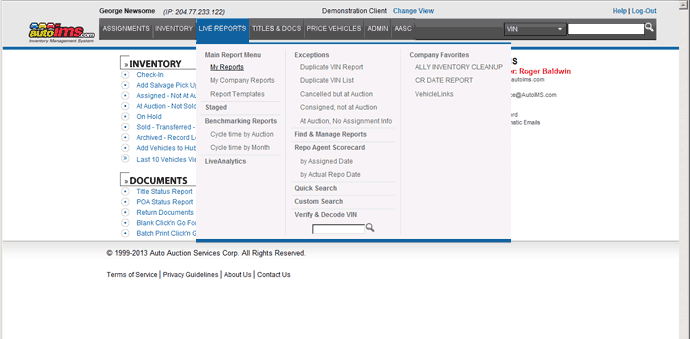
- On the Main Report Menu, you have a number of choices to work with existing reports.
Select an existing report from My Reports, My Company Reports, or Report Templates by clicking the appropriate tab and highlighting the name of the desired report.
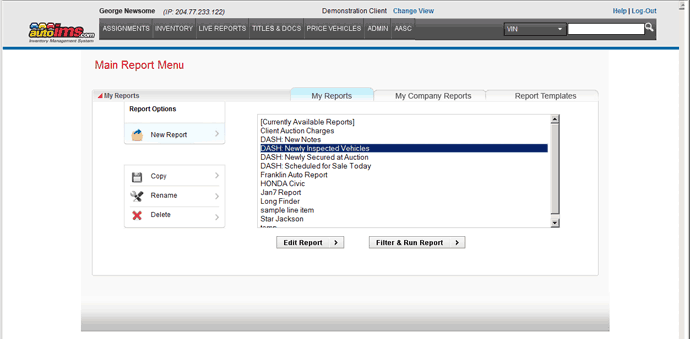
- From there, press Edit Report or Filter & Run Report to finalize the report layout and filters, and then see your data.